Configuring Report Statuses
Report statuses track workflow (e.g. Pending, In Progress, Awaiting Response). Status changes are visible to both contacts and reporters, with optional descriptions tailored for each side.
1. Navigate to Preferences and then Click "Statuses".

2. Click "Create New" to create a new report status.

3. Click the "Status Name" field.

Alert: Alert! Status changes are visible to both reporters and contacts, but you can customise the description text separately for each audience.
4. Here you can title the status under 'Status Name' and then fill out a description for both Contacts and Reporters:
- Use the Contacts box for internal guidance (e.g., steps the case manager should take).
- Use the Reporters box for simple, supportive updates (e.g., letting the reporter know their case is received or in progress).
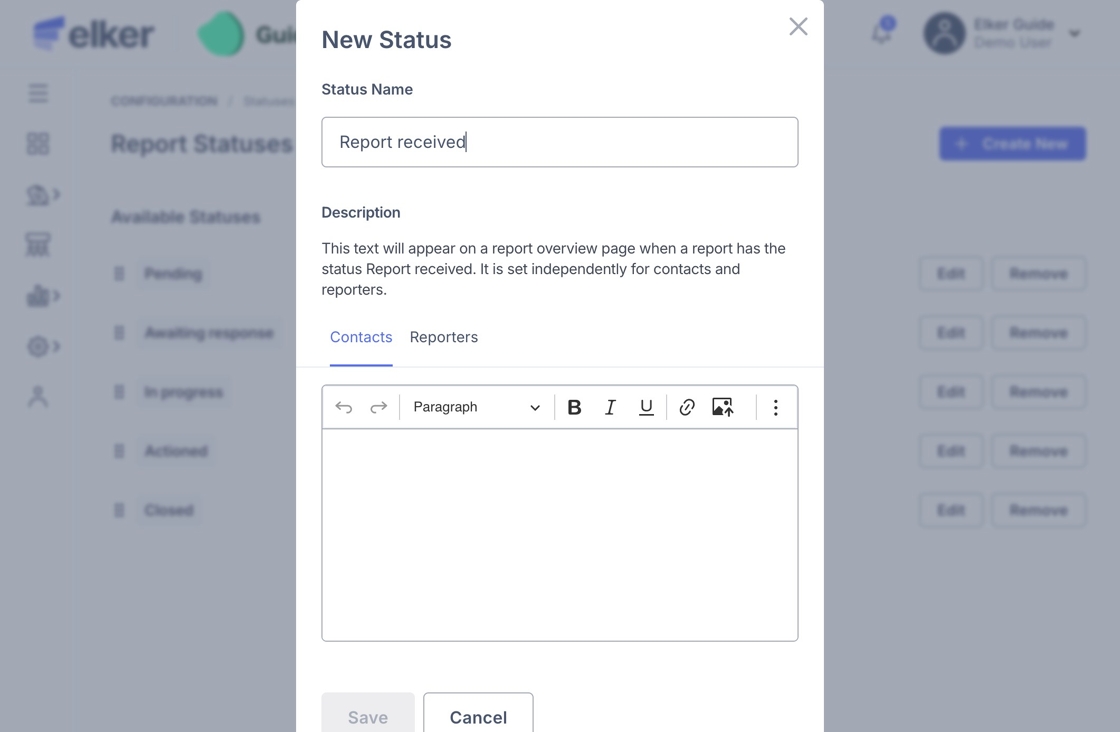
5. Once you have entered in the descriptions, click "Save".

Tip: Tip! You can reorder statuses to reflect your organisation’s workflow.