Creating a SecureMail message
1. Click "Reports"

2. Click on the report you'd like to start a SecureMail message with

3. Click "Messenger"

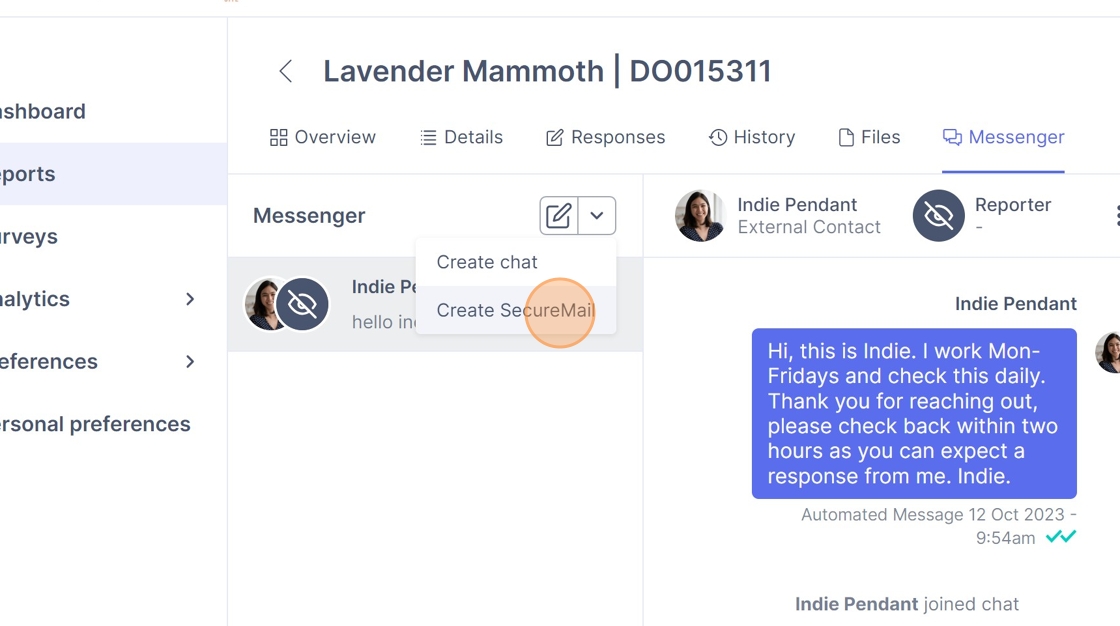
4. Click the drop down button next to the pencil icon

5. Click "Create SecureMail"
6. Click the "Full name" field.

7. Enter the name of the recipient and their email address
8. Click "Invite & create SecureMail"

9. Click the "Type message" field.

10. Enter your first message to the recipient
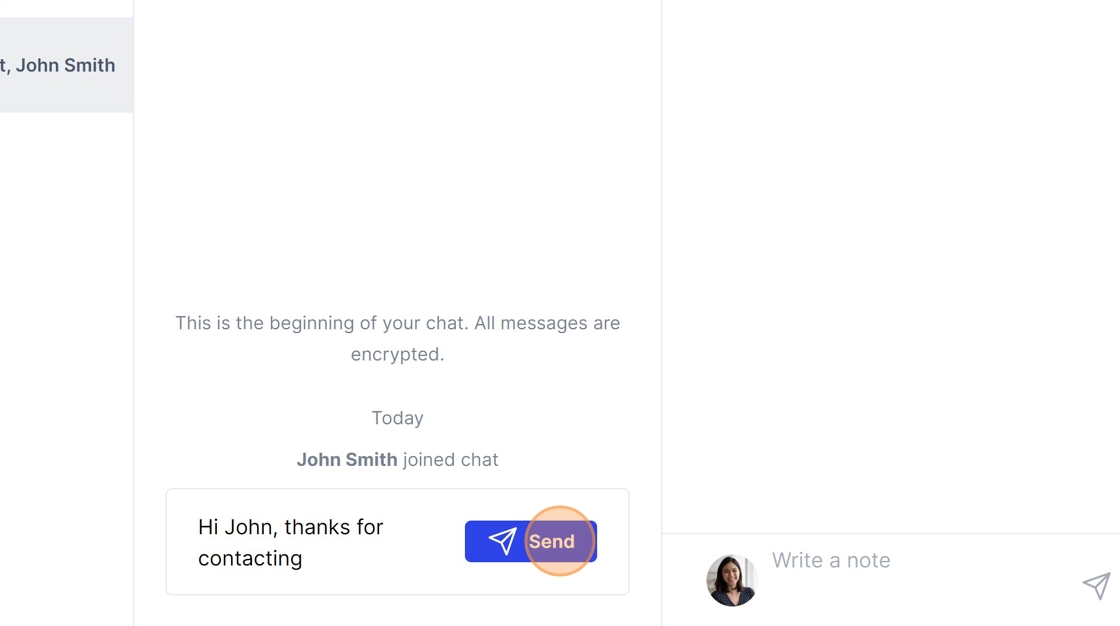
11. Click "Send"