Customize Inbox Settings
Deactivate your inbox
1. Click "Personal preferences"

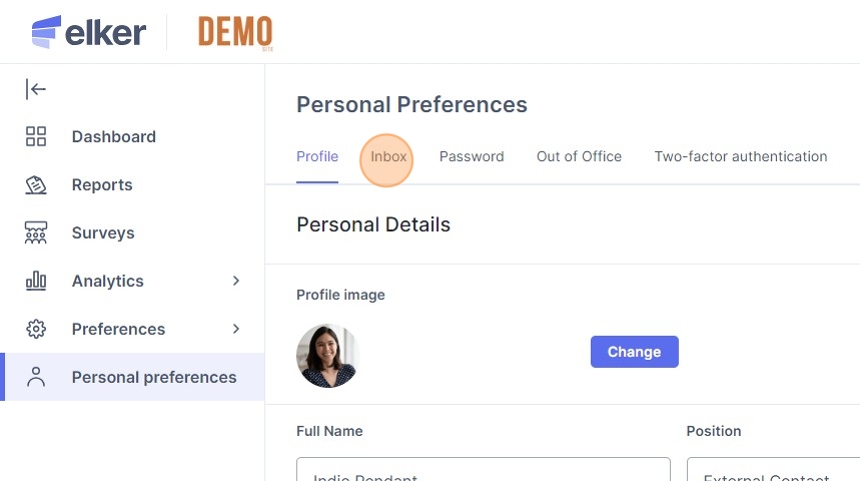
2. Click "Inbox"

3. Click the active status button (change it to grey).

4. Click "Save changes"

Change inbox status to active
5. Click "Personal preferences".

6. Click "Inbox"
7. Click the inactive status button (change it to blue).

8. Click "Save changes"

Edit your inbox description & automatic message
9. Click "Personal preferences"

10. Click "Inbox"

11. Click the "Description" field.

12. Make your edits to your inbox description, which reporters will see when selecting an inbox to send their report to.
13. Click the "Your message" field.

14. Make your edits to the automated message which is sent to reporters which send their report to you.
15. Click "Save changes"
