Join Elker from Email Invitation
1. Open your work email inbox and open the email from Elker Notifications

2. Click "Complete registration"

3. Click the Full Name box
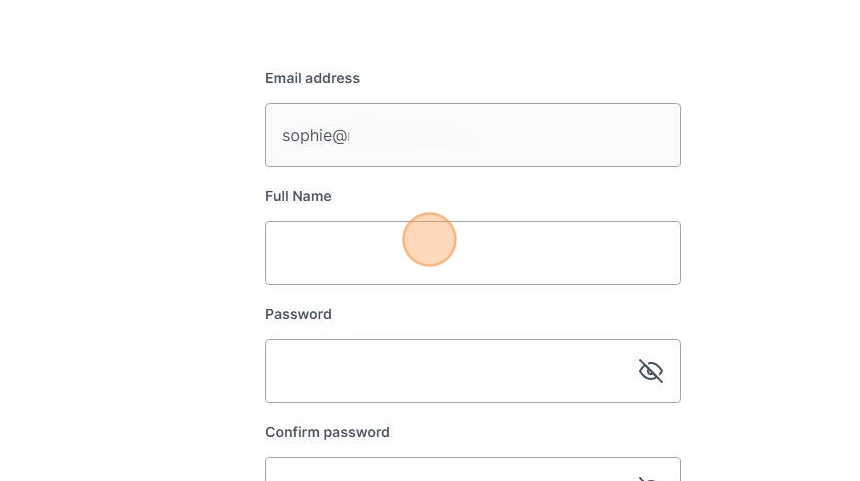
4. Type in your full name, this will be visible to everyone on the Elker platform.
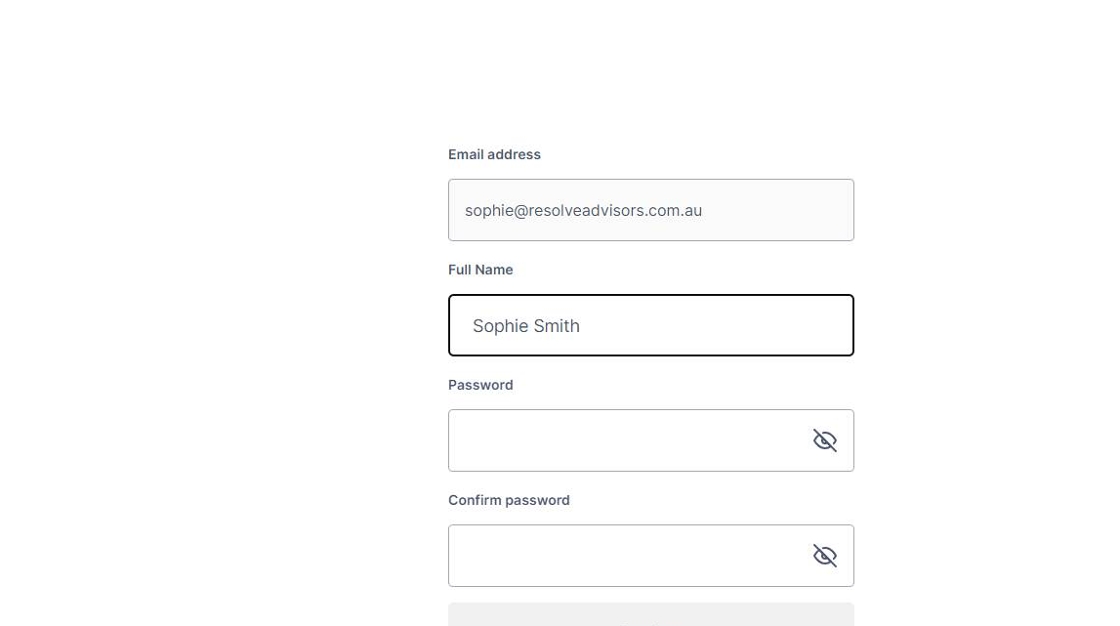
5. Click the password box and enter your unique password

6. Enter your unique password again in the confirm password box

7. Click continue.

8. You will arrive at yur dashboard
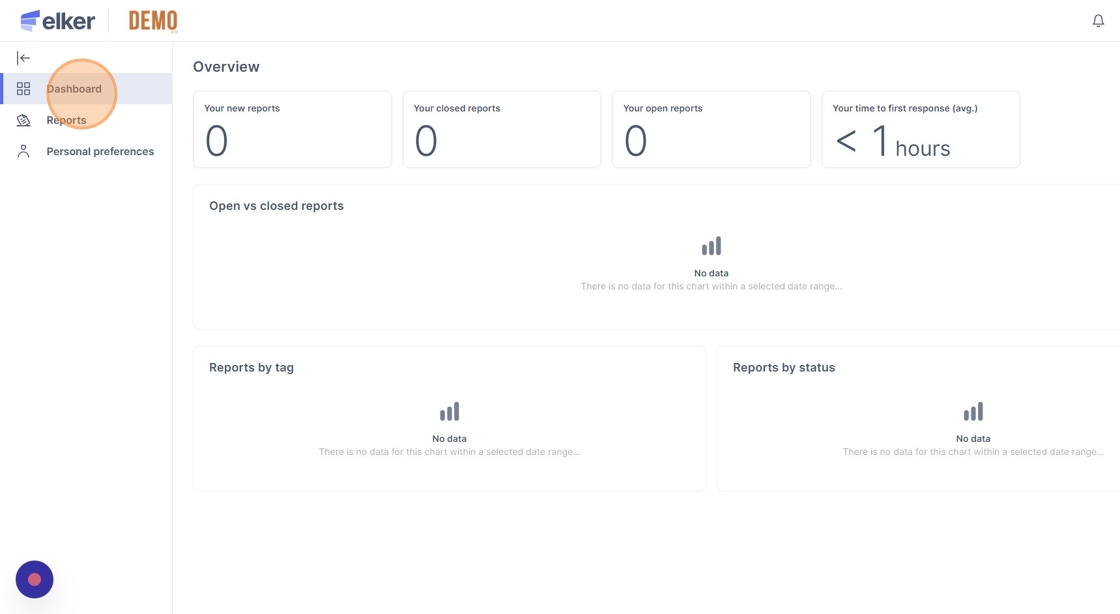
Tip: You can now log out, and your system administrator will assign your correct roles.