Update Your Name, Position and Profile Picture
How to update your name
1. Click "Personal preferences"

2. Click the "Full Name" field.
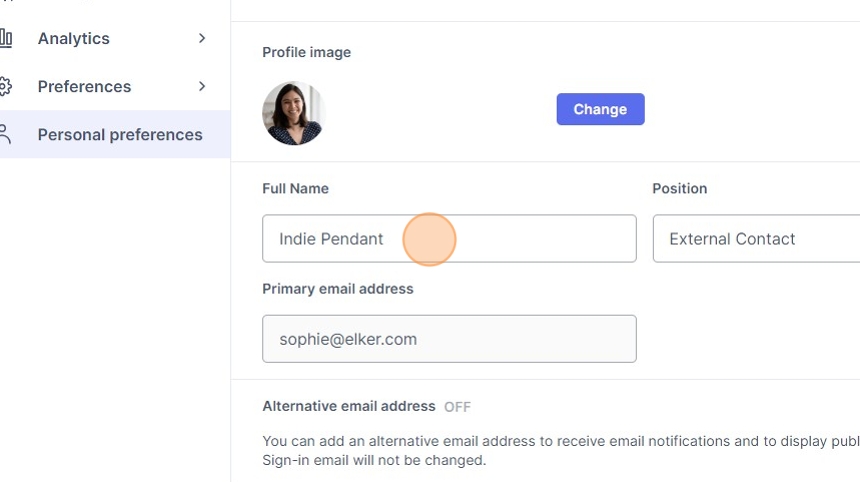
3. Enter your preferred display name.
4. Click save changes

How to update your position/title
5. Click the "Position" field.

6. Enter your preferred description of your position at your company.
7. Click save changes

How to update your profile picture
8. Click "Change"

9. Within the file selection screen, find your new profile picture, select it, and select open.

10. Click "Save Changes"
